
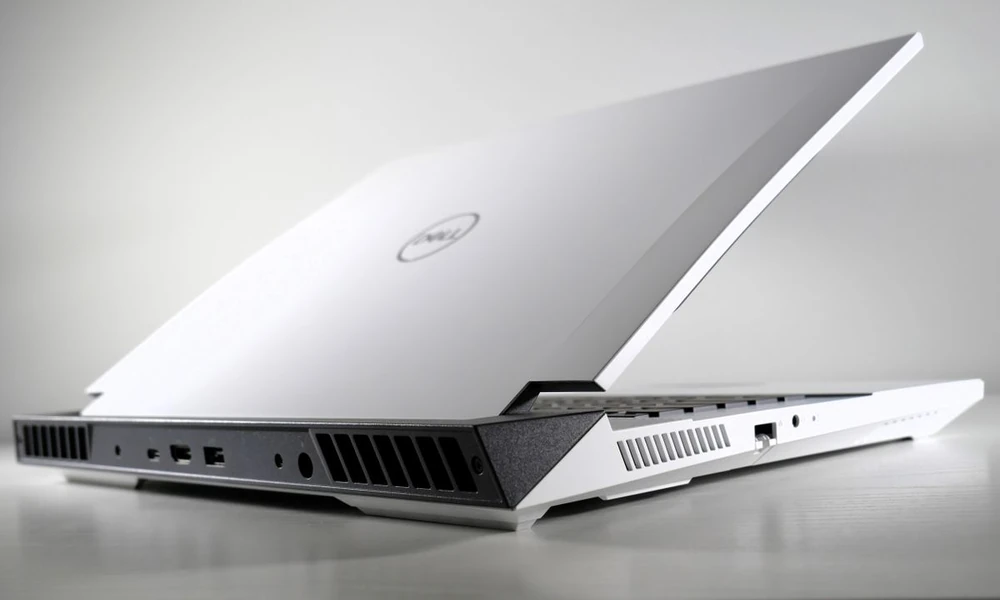
Picking between two refresh speeds can puzzle even seasoned shoppers. Anyone hunting for a good guter gaming laptop will encounter 144Hz plus 240Hz options. Higher numbers promise smoother motion, though gains shrink at each step. Graphics power, battery life, and budget also shape that choice. What follows weighs clarity against price for both panel types.
What Those Hz Numbers Actually Mean?
A 144Hz panel draws a new image every 6.9 milliseconds. A 240Hz panel cuts that gap to roughly 4.2 milliseconds.
Motion Blur Drops as Frames Speed Up
Each image stays lit until the next one replaces it. Shorter holds mean moving objects look sharper during quick turns.
Graphics Power Needed to Feed Faster Panels
Extra refresh only helps when the GPU delivers matching frames. Without enough frames, a 240Hz panel behaves much like a 144Hz one.
- Competitive shooters at 1080p often reach 240 frames on midrange cards.
- Demanding cinematic titles rarely pass 144 frames at high settings.
- Laptops built around RTX 5070 graphics handle 240Hz esports gaming without trouble.
- Budget RTX 5050 machines usually pair better with 144Hz panels.
- Upscaling tools help push frame counts closer to panel limits.
Battery Drain Grows with Higher Refresh
Faster panels redraw more often, which uses extra power. Most current laptops let you lower refresh when running on battery.
- Switching to 60Hz unplugged can add noticeable minutes of runtime.
- Variable refresh syncing reduces tearing without forcing constant top speeds.
- Sessions on wall power unlock full refresh without draining the battery.
Extra Points Before Buying
- OLED laptop panels respond almost instantly, sharpening motion even further.
- Slow IPS pixels can smear details despite a 240Hz label.
- Check reviews for measured response times, not only advertised numbers.
- A truly guter gaming laptop balances panel speed against graphics strength.
Side-by-Side Comparison
Gains from 144Hz to 240Hz feel smaller than the jump from 60Hz. Competitive gamers notice the difference most during fast aiming.
FAQ on Laptop Panel Speeds
- Can most gamers see a difference above 144Hz? Many notice smoother tracking, especially during fast shooters.
- Does 240Hz help with office tasks? Scrolling feels slightly smoother, though everyday work gains very little.
- Is a 240Hz laptop worth the extra money? It pays off mainly for competitive gaming on strong graphics hardware.
- Should I pick OLED at 144Hz over IPS at 240Hz? OLED’s near-instant response can rival faster IPS panels for clarity.
Choosing Wisely
Faster panels sharpen movement, yet benefits depend on matching GPU strength. Competitive shooters gain most from 240Hz on capable hardware. Cinematic titles usually look great on 144Hz without wasting money. Response time matters nearly as much as headline Hz figures. Match the display to your typical games instead of chasing maximums.


